
Some thoughts after using Kiro for developing a python program
I used Kiro CLI, an AI coding tool being a CLI interface for Kiro AI developer platform, and I want to share some thoughts and reflections.
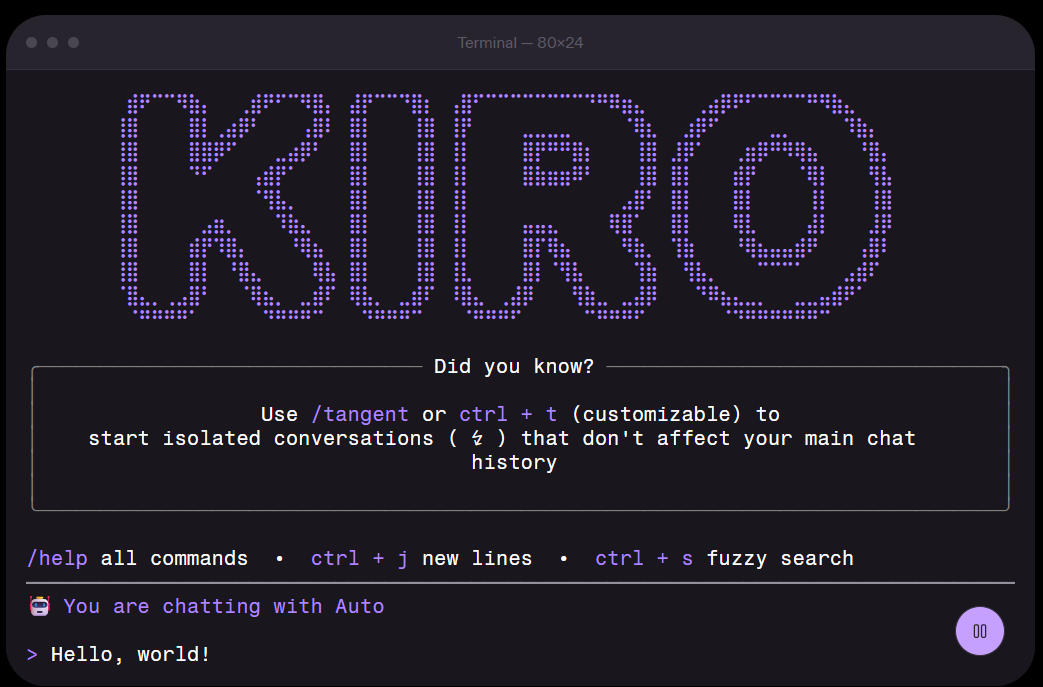
This is the coding AI tool available I have available at work. You can do many things with Kiro cli, executing prompts for troubleshooting, understanding the code, create test and new code, create agents for structured procedures… I used it to develop a python program from scratch, where I did not write a single word. This was a learning experience for me as well, so I needed some time to understand how to get the most out of it. The program basically had to iterate over some helm charts and create a list of values with a given format and including also other files.
At the beginning, the first thing I did was to give all requirements in a prompt. In just some seconds, I had a program that seemed to be doing what I requested. After some checks, there were many corner cases not included. Then I started again providing the requirements one by one. I let Kiro decide about the design and coding. Most probably my prompts where not the best ones neither. After some time I had a better program but with really tangled code. Besides, the requirements were changing, therefore I had to ask Kiro to update some parts of the code. Basically after changes the code was totally a mess, full of if/else and indentation. Could be a great example for a bad design.
The first thing here was that I did not know about Kiro features, such that you can save prompts that are added to the context, and you do not need to repeat all the time sentences like “act as an experienced software engineer” at the beginning. Second, once I turned off the computer and started again the following day, the context was missed, although I explained again the requirements and so on, it was not the same. In addition, what I did, from time to time, was to ask Kiro to review the code and perform improvements. First time I did that, the tests failed. Then I asked better to provide a list of improvements, numbered, and start by improvement number 1, while listing pending improvements. After each improvement was done, I executed tests to verify and continue with next step if ok. This was a good way forward.
After the last requirement change, having all requirements set and having learned about the purpose of the program, I started again. This time, I guided kiro in the design of the program. I thought about the design in advanced, therefore I provided more concise prompts guiding step by step Kiro. For instance, I asked for methods to process some data and maps to store key values.The code was much better this time, and also I had better knowledge about what the program was doing. I needed to perform a change some weeks after and it was easy to estimate and change.
As a conclusion, prompts could be improved and also how context was managed. Most probably, the requirements could have been detailed in some files. The same applies to the design, even letting Kiro help with the creation of these documents. Once everything is set, it was probed that step by step changes are better executed than bigger changes. And guidance to the tool produced better results. It’s time to continue exploring and learning!